It has been a wild and exciting time for Card One Concepts in the past few years. We have been so busy working on websites, logos, business cards, brochures, catalogs, flyers, social media, and so much more. This has left us with little time to stop and reflect on the amazing fun and success we have been enjoying with our clients!
We are excited to announce that we have recently restructured Card One Concepts as a Limited Liability Company and are now known as Card One Concepts, LLC! Same great design and marketing service and support with a new twist to our name! And as we mentioned, we have been so busy helping all our clients reach their goals that we have unfortunately neglected our own.
We hope to roll out posts more frequently in the near future as there are just so many exciting projects we have worked on it is hard to decide which ones to highlight first! In the mean time please visit our portfolio as we have been busy updating it with more current projects like the ones you see below!
If you are looking for assistance with your next project no matter how large or small, then contact us today! We would love to hear from you and help you put your best foot forward!
Here are some recent projects from our portfolio.



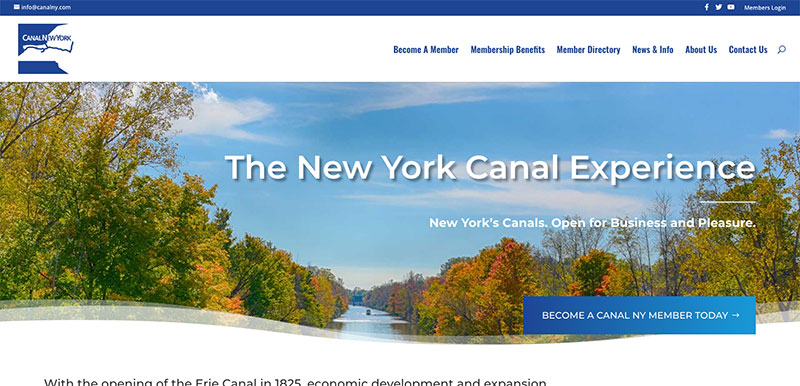

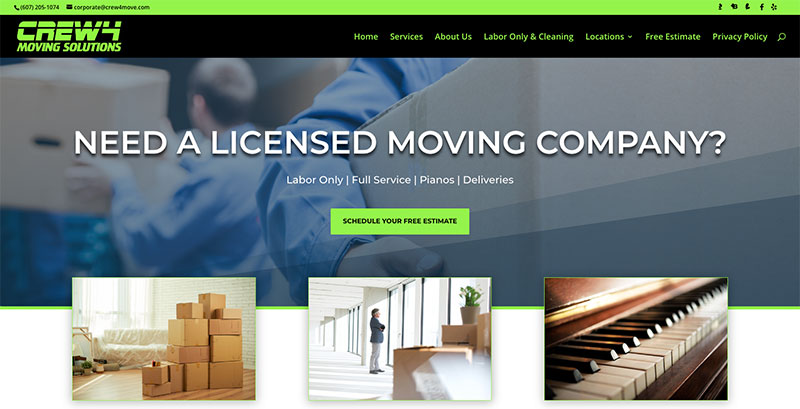
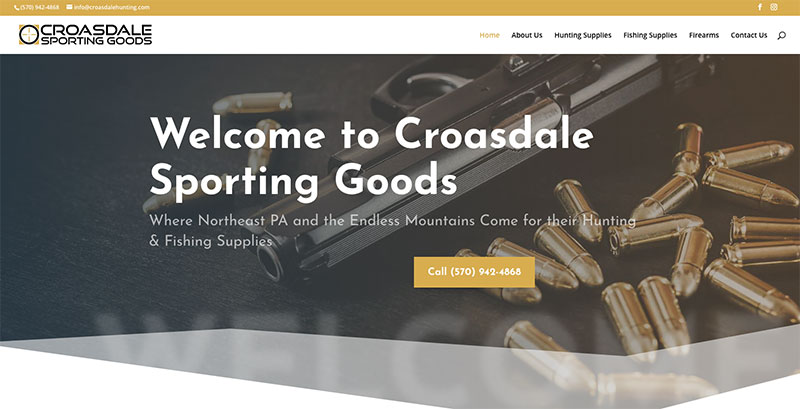
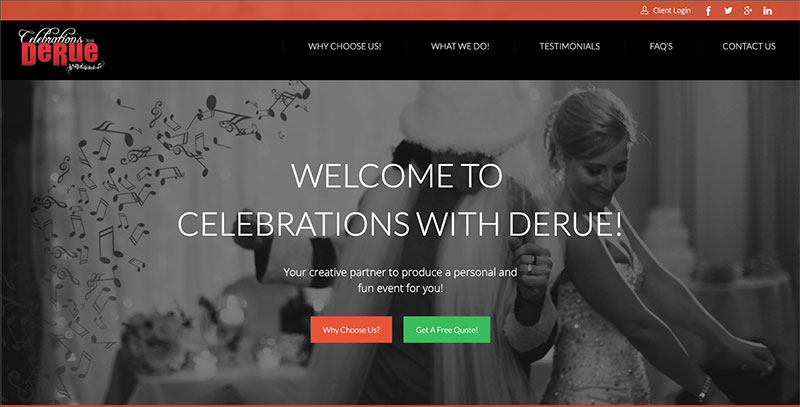
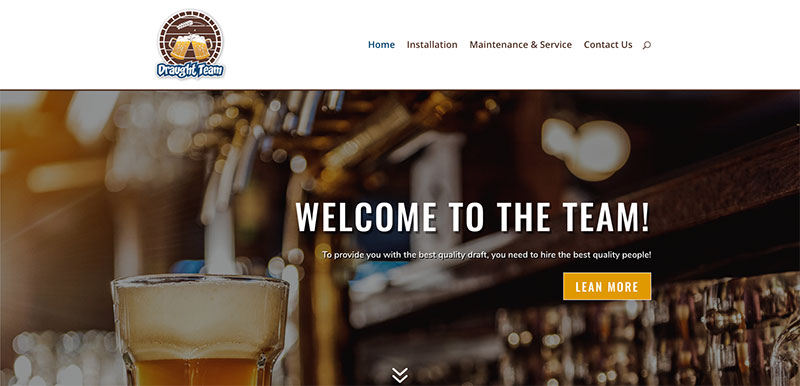
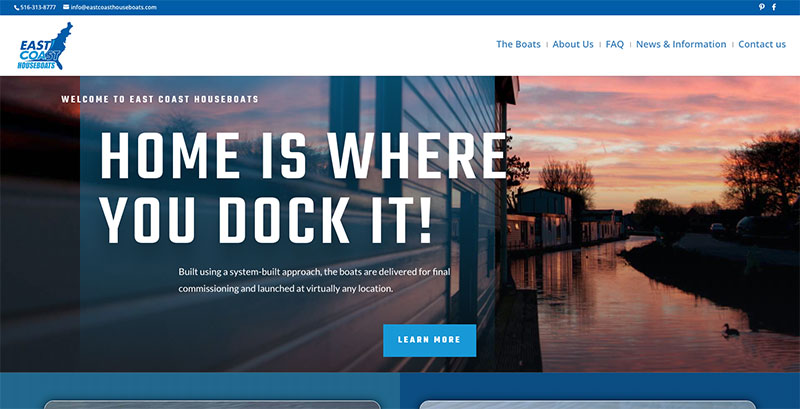

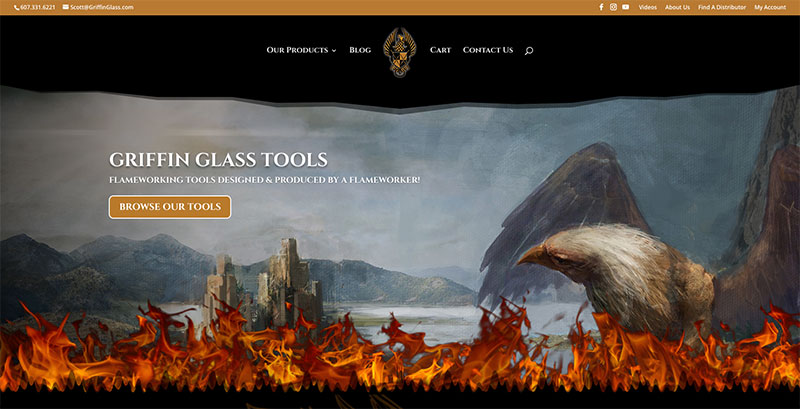






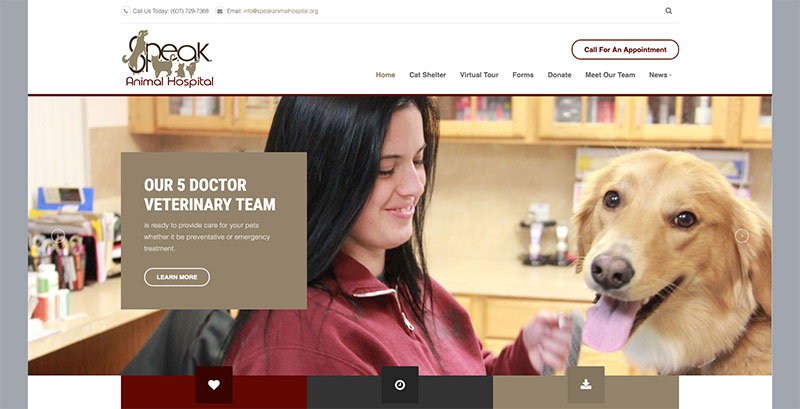
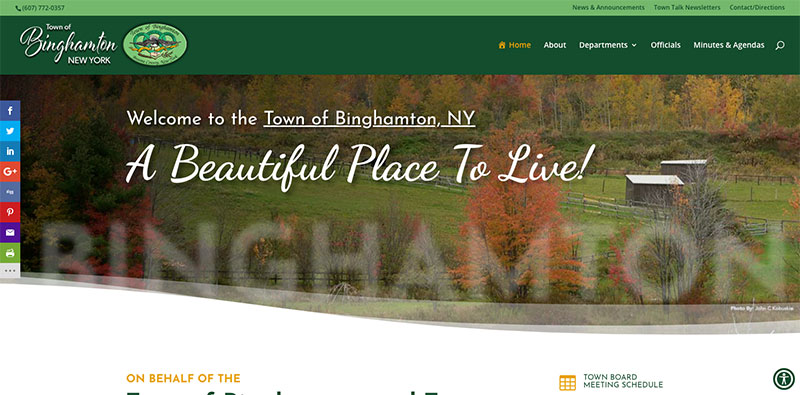
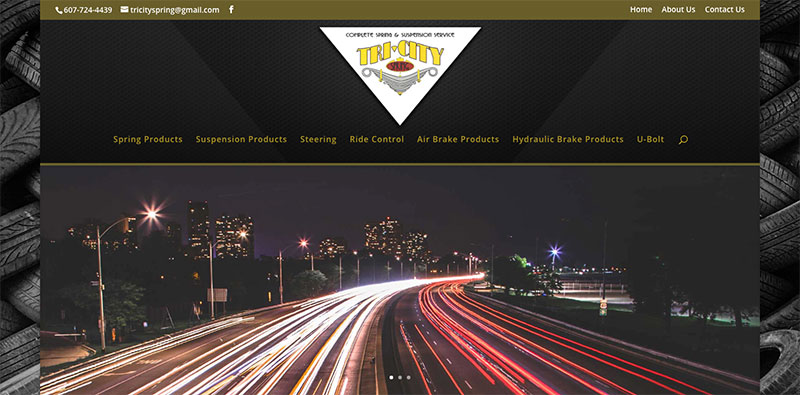

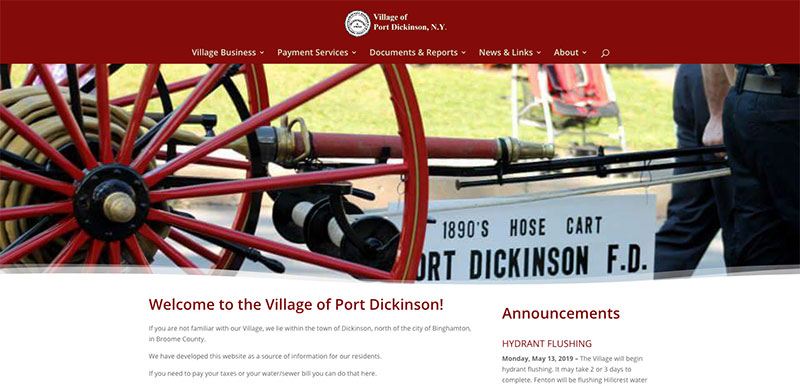
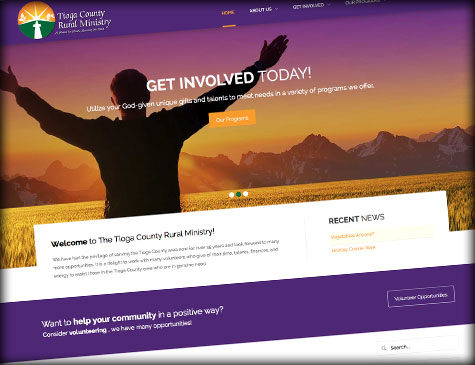 Card One Concepts is proud to announce the new website launch for the Tioga County Rural Ministry located in Owego, New York. We worked closely with Amy J. Stoddard Marketing & Design to develop the new responsive website using the content management system Joomla to showcase all of the great work and programs the Ministry offers the Owego N.Y. and the surrounding Tioga County community. Card One Concepts was proud to have won the logo contest the Ministry held last year and we did such a great job on the logo according to Executive Director, Sr. Mary that she wanted us to re-design their website to make it more appealing and more importantly a better tool to communicate to the community and members.
Please take a moment to visit the Tioga County Rural Ministry and perhaps get involved with a donation or by volunteering.

Card One Concepts worked closely with Amy J. Stoddard Marketing & Design to design the new logo for Arctic Water, Inc. which is a new water treatment division of Arctic Bear Plumbing Heating & Air Inc.
Card One Concepts worked closely with Amy J. Stoddard Marketing & Design to design the new logo for The Contemporary Curtain. The Contemporary Curtain will be an exciting website where you can customize and order window treatments and we are proud to say we are currently in the development stage of the website so check back soon for updates on the launch of their website!

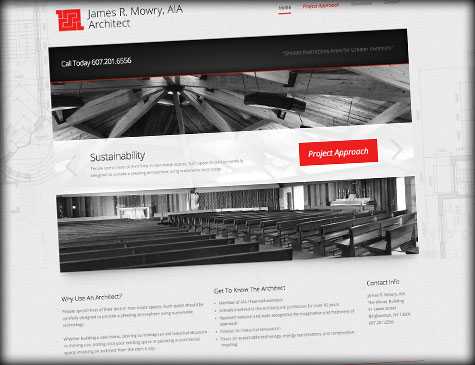 We had fun working on this custom HTML5 Responsive Website for a local Binghamton N.Y. Architect, James R. Mowry, AIA. Card One Concepts worked closely with Amy J. Stoddard Marketing & Design to develop his website using the latest custom HTML5 coding to help him showcase his amazing architectural achievements over the years. His focus is on sustainable technology, energy conservation, and construction recycling. James has a passion for historical renovation and has been actively involved in the architectural profession for over 50 years and has a very impressive portfolio to show for it! Please take a moment to visit his website!
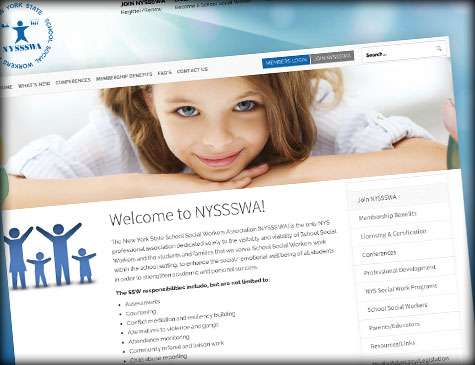 Card One Concepts is proud to announce the new website launch for The New Your State School Social Workers Association (NYSSSWA). We worked closely with Amy J. Stoddard Marketing & Design to develop the new re-designed website using the latest content management system Joomla. NYSSSWA needed to update their current website to a CMS system that would allow them to manage all of their ongoing content they distribute to it's Members. While also giving the organization the ability to manage their memberships and content all in one place. The website was also designed with a responsive layout so that the site is accessible from all mobile devices without sacrificing the users experience and making the website a valuable tool for the organizations day to day functionality and communication.
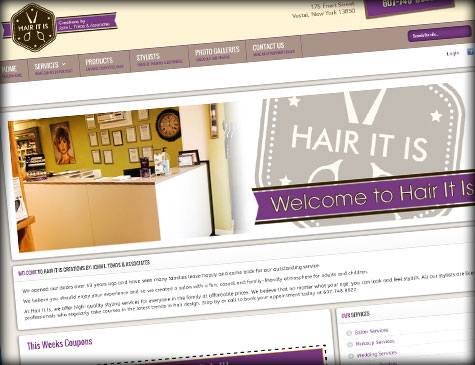 Card One Concepts is proud to announce the new website launch for Hair It Is - Creations by: John L. Tokos & Associates. We worked closely with Amy J. Stoddard Marketing & Design to develop the new re-designed website using the latest content management system Wordpress. This gave Hair It Is the tools to manage their own website, add valuable coupons on a weekly basis. The website was also designed with a responsive theme so that Hair It Is can reach any one anywhere on any device, which gains them a huge online presence.
 Card One Concepts is proud to announce the new e-commerce website launch for The Goldsmith Fine Designer Jewelry. We worked closely with Amy J. Stoddard Marketing & Design to develop the new re-designed website using the latest content management system Joomla, so they can easily manage their own website with updateing products, page content, announce specials and fullfill online orders.
 Card One Concepts is very honored to have been awarded by Sister Mary O'Brien as the winner of the Tioga County Rural Ministry Logo Contest! The logo was designed to give the organization a look of professionalism and pride that it deserves to reflect on it's community that it helps make a better place every day. This was a fun project to work on and we plan to donate the awarded funds back to the community.
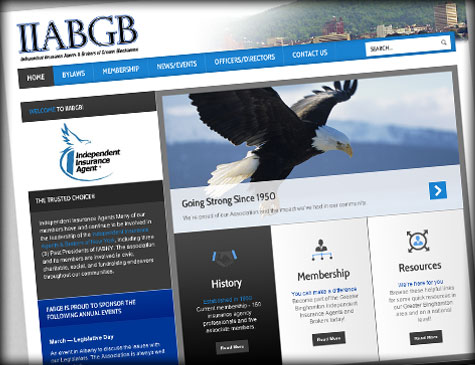 Card One Concepts is proud to announce the new website launch for the Independent Insurance Agents & Brokers of Greater Binghamton (IIABGB). We worked closely with Amy J. Stoddard Marketing & Design to develop the new website using content management system Joomla so the organization can easily manage their own website and update it with recent news and events for it's members, peers and community.
 We want to assure you that the security of our customers is always a top priority. We began addressing the Heartbleed vulnerability issue immediately upon disclosure and have successfully applied patches to all of our platforms. The likelihood that private information was compromised is very minimal due to the lack of a public exploit at the time of the disclosure. We will continue to work to protect the security of our customers and their data.
 Card One Concepts is proud to announce the new website launch for Sonny Manny's Auto Center. The new website was developed using the content management system Joomla to manage their vehicle inventory. We also developed a clean downloadable and form-fillable credit application in PDF format.
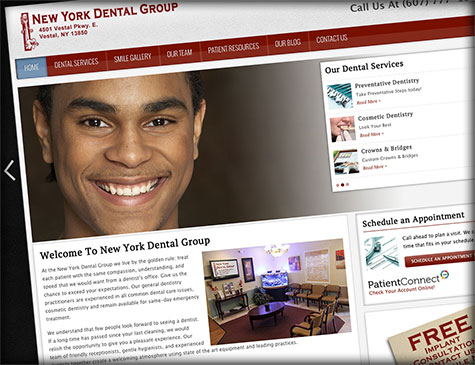
Card One Concepts is very happy to announce the launch of New York Dental Groups new website. The new website was developed using the content management system Joomla and incorporates a modern clean website design that has a very high usability factor due to the responsive layout that can adapt to any screen size and device.
 We would like to introduce you to another tool that Card One Concepts could not function without in both our day to day business activities and in our personal lives and it's called Dropbox. Some of you may already be using it and loving it like we do, some of you may have never heard of it. But If you're not already using Dropbox, We have to ask, what are you waiting for? Dropbox is a popular service that lets you easily sync files between computers, share them with others, and create backups securely. Best of all, it integrates so seamlessly with your Mac or Windows computer that you are usually never aware that you're actually using using it. Dropbox is a must-have for anyone who needs to make their files more importantly large files readily available to multiple users or computers. Card One Concepts takes advantage of this by using it to package and deliver very large files to printers and vendors that just a few years ago would have had to be hand delivered on a CD or thumb drive. We have just gotten in the habit of working right from our Dropbox folder, that way we know our clients files are safe, backed-up and accesible and shareable in many many ways!

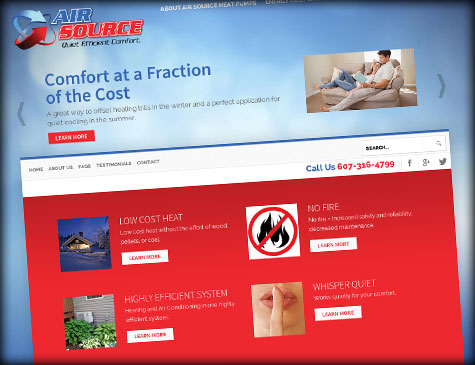 Card One Concepts is happy to announce the third website launch this week for Air Source Comfort. We worked closely with